
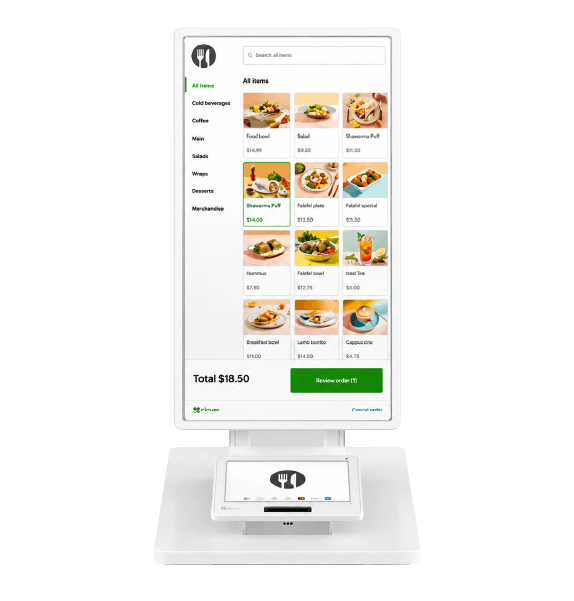
Kiosk
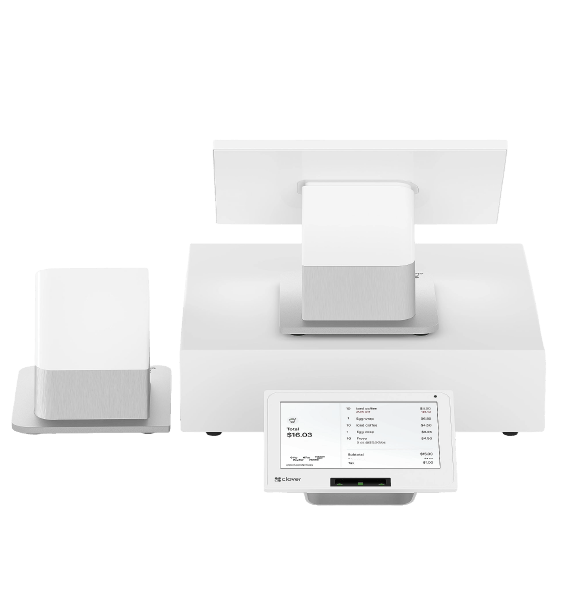
Station Duo
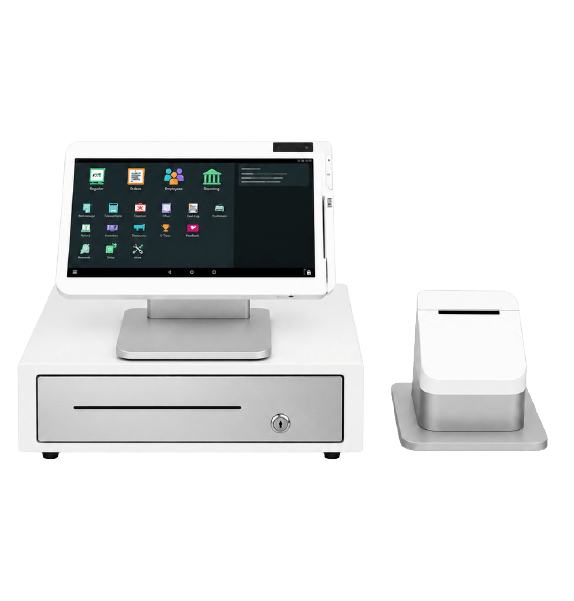
Station Solo
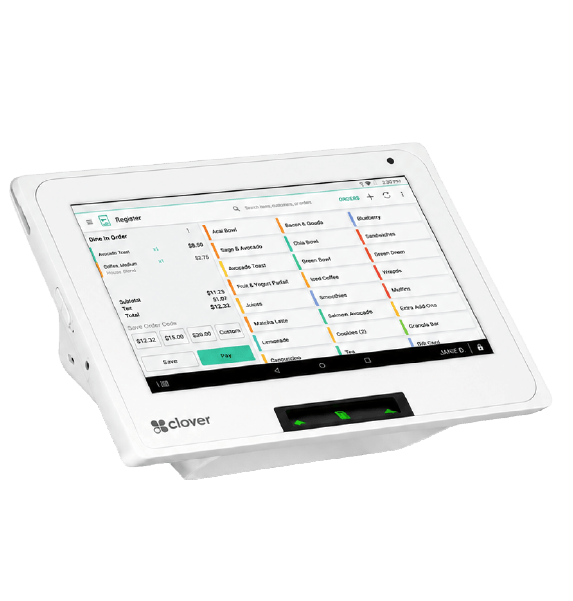
Mini
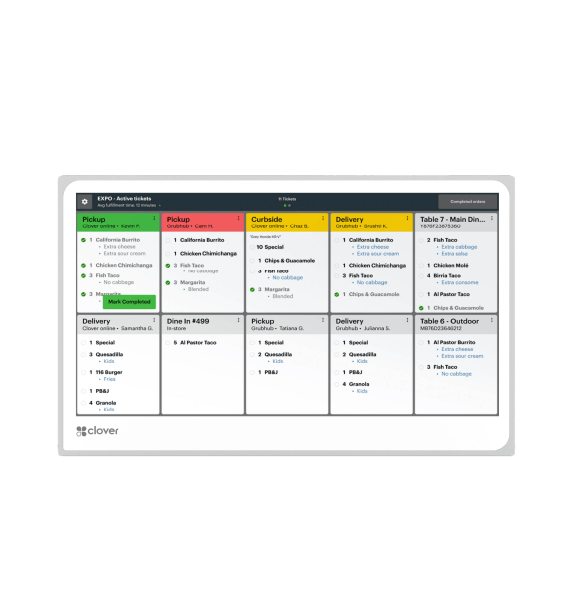
Kitchen Display
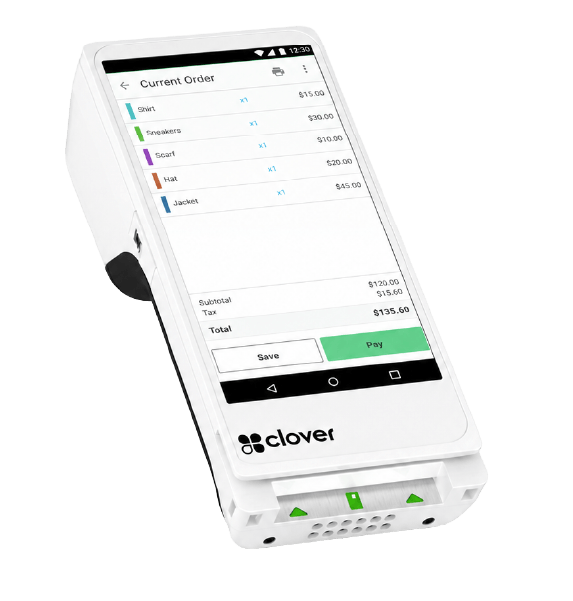
Flex
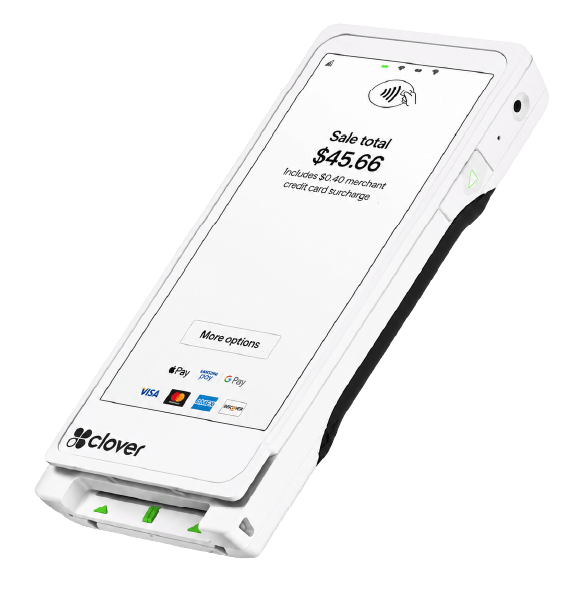
Flex Pocket
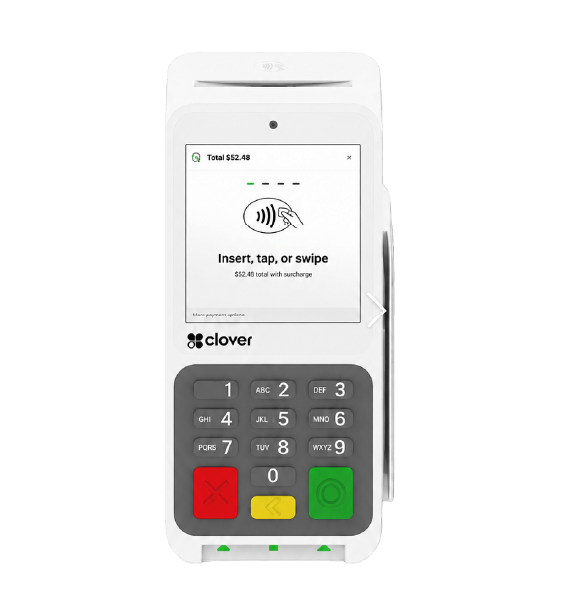
Compact
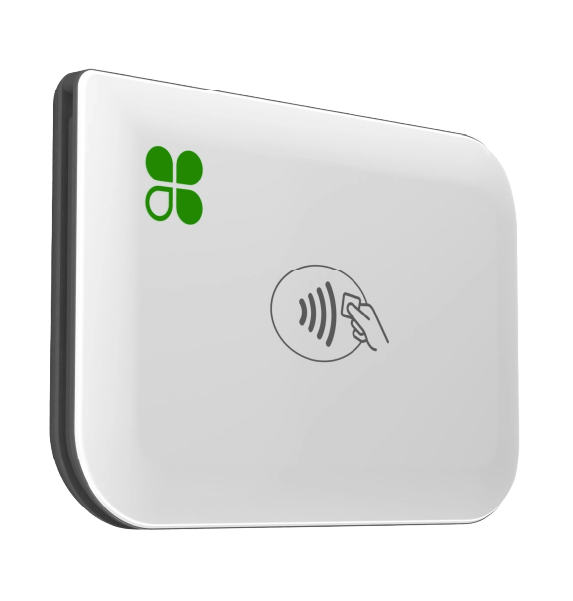
Clover Go
Clover Mini:
a small POS for your countertop
Run your business with the sleek and powerful Mini,
a POS that fits in any space. Everything you need
is right on the device.
Clover Mini:
a small POS for your countertop
Clover Mini:
a small POS for your countertop
Run your business with the sleek and powerful Mini,
a POS that fits in any space. Everything you need
is right on the device.
Run your business with the sleek and powerful Mini, a POS that fits in any space. Everything you need is right on the device.
A complete point of sale that’s better than ever
🟧 Larger touch screen
The upsized 8" touch screen has plenty of room to confirm orders, complete payments, and manage everything to run your business.
🟧Payments are easier
Customers can dip or tap payments front and center with a conveniently located card slot and contactless reader.
🟧Receipts with options
Customers can get a printed receipt with the built-in printer or you can send receipts by email or text.
Everything, at your fingertips
Everything, at your fingertips
🟧 Payment options for your customers
Mini makes it easy for customers to pay with swipe, dip, or tap. Credit or debit. And contactless payments like Apple Pay®, Google Pay™, and PayPal/Venmo®.
🟧 Anywhere anytime access
A small POS with real time 24/7 access to your data lets you check in and run your business from wherever you are.
🟧Start small and expand when needed
Flex Pocket syncs seamlessly with other Clover devices, making it easy to add to any existing Clover POS system.
Full‑featured tools built for small business
Payments: Accepts chip, swipe, and contactless payments
Screen: 8" LCD color touch screen
Receipt printer: Built-in thermal dot receipt printer
Security: Clover Security end-to-end encryption
Connectivity: Wi-Fi, ethernet, and LTE connectivity
Cash drawer: Optional add-on
Product details
Payments: Accepts chip, swipe, and contactless payments
Screen: 8" LCD color touch screen
Receipt printer: Built-in thermal dot receipt printer
Security: Clover Security end-to-end encryption
Connectivity: Wi-Fi, ethernet, and LTE connectivity
Cash drawer: Optional add-on
Mini works for every business
Mini works for every business
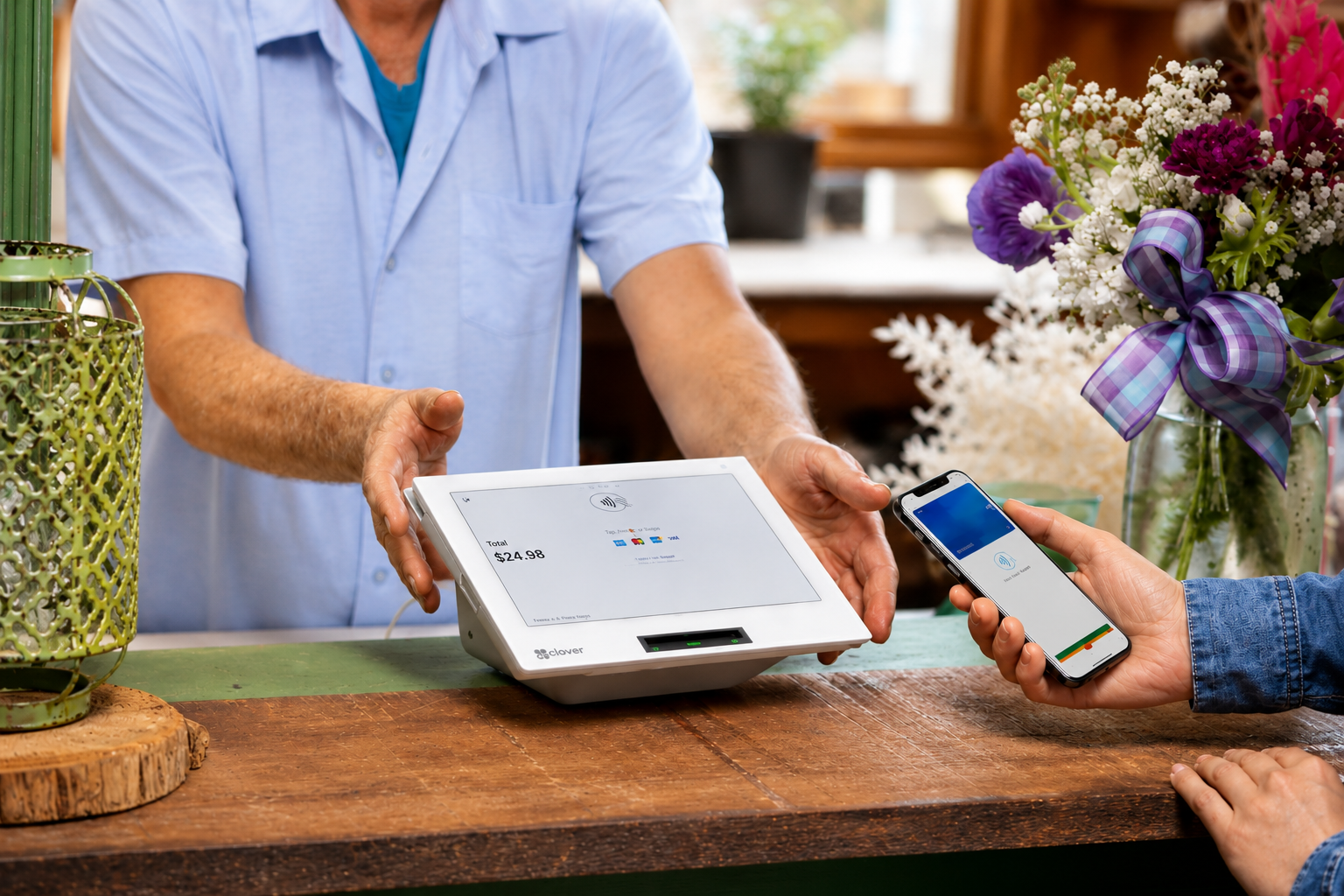
Retail and services
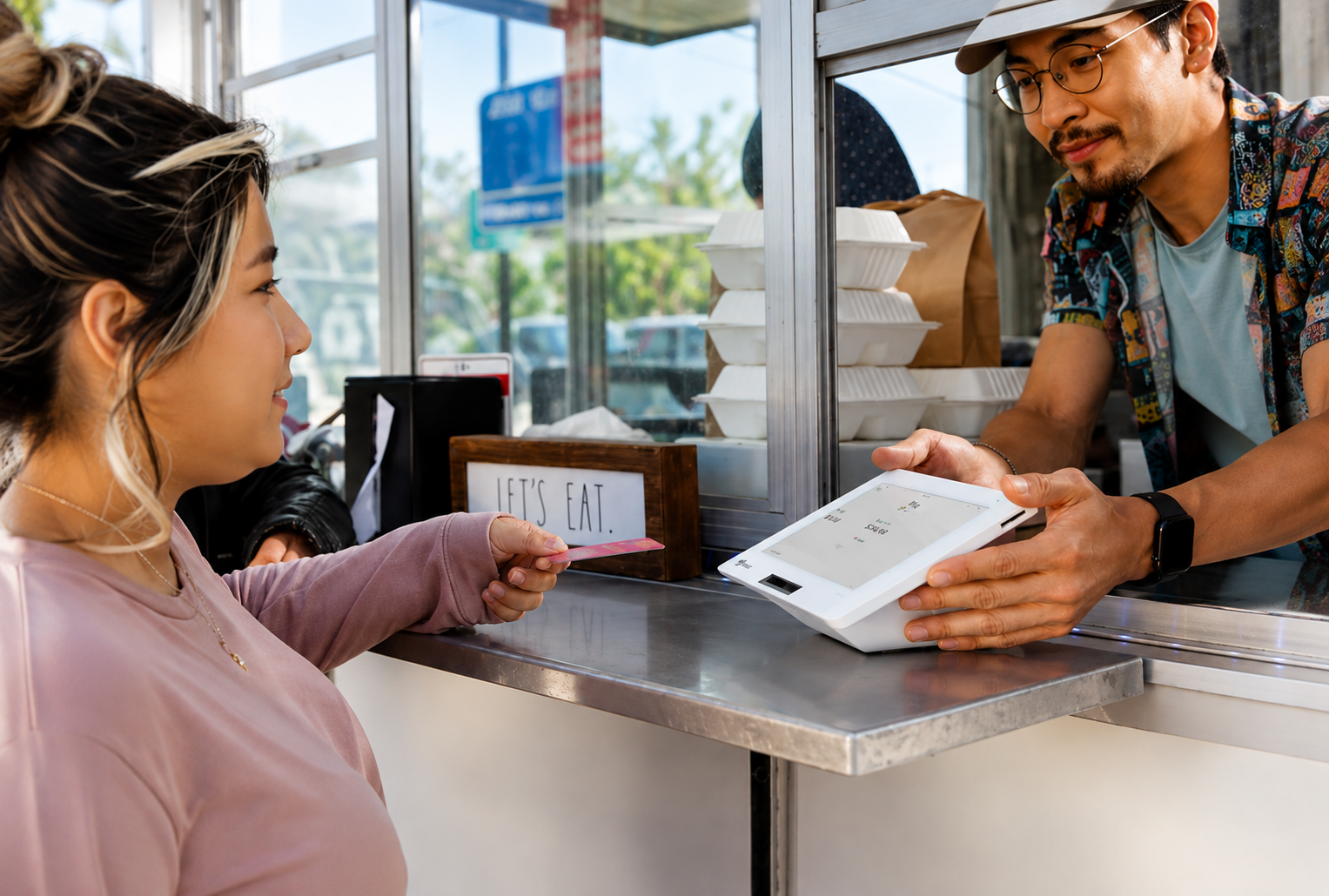
Restaurants and food service
Peace of mind with your system
Peace of mind with your system
Free overnight shipping*
Once you’re approved, your system will arrive in one business day. *Online orders only.
Quick and easy set up
Set up your business and start taking payments all in the same day with the Clover Dashboard.
Consistent rates
Set up your business and start taking payments all in the same day with the Clover Dashboard.
Frequently Asked Questions
What kind of support will I receive with a Clover Mini?
Our agents are available to assist you when you’re unable to resolve issues on your own. There are a few ways to reach live support:
From a browser, log in to your Clover account and select Help from the top menu to access a range of support options.
On a Clover device, tap Help on the home screen.
In the Clover Go mobile app, open the menu and tap Help.
Find your direct support phone number on your statement or call our general support line at: hello
For your security, we’ll ask for your Merchant ID (MID) or Tax Identification Number (TIN), so please have that information handy.
Does the Mini support a cash drawer?
Though the Flex Pocket handheld POS does not have a built-in receipt printer, it does contain the capability to email or text receipts to customers for a paperless experience.
Can the Mini be connected to an external printer?
In addition to its built-in receipt printer, the Clover Mini can be connected to a variety of external printers. With the purchase of a new Clover POS system, you can purchase printers online on our accessories page. If you already have a Clover POS, you can purchase a printer from our sales team.
Clover's POS system is compatible with:
Thermal Label Printers: Epson TM-L90
Thermal Receipt Printers: Star TSP143IIIU, Epson TM-20*, Epson TM-30*
Impact Receipt/Kitchen Printers: Star SP742ML, Epson TM-U220B*
* Not sold on clover.com or by Clover.
Does the Mini support cellular service or does it need to be connected to WiFi?
In addition to its built-in receipt printer, the Clover Mini can be connected to a variety of external printers. With the purchase of a new Clover POS system, you can purchase printers online on our accessories page. If you already have a Clover POS, you can purchase a printer from our sales team.
Clover's POS system is compatible with:
Thermal Label Printers: Epson TM-L90
Thermal Receipt Printers: Star TSP143IIIU, Epson TM-20*, Epson TM-30*
Impact Receipt/Kitchen Printers: Star SP742ML, Epson TM-U220B*
* Not sold on clover.com or by Clover.
How do I enable cellular?
Watch our short video tutorial [40-seconds] to learn how to enable cellular.
READY TO FIND THE RIGHT SOLUTION?
Talk to Our Sales Team
Get personalized guidance on payment solutions, POS systems, and services designed around your business needs.



